Google Chrome
Safe, fast, and reliable browsing with Google Chrome

Safe & Secure
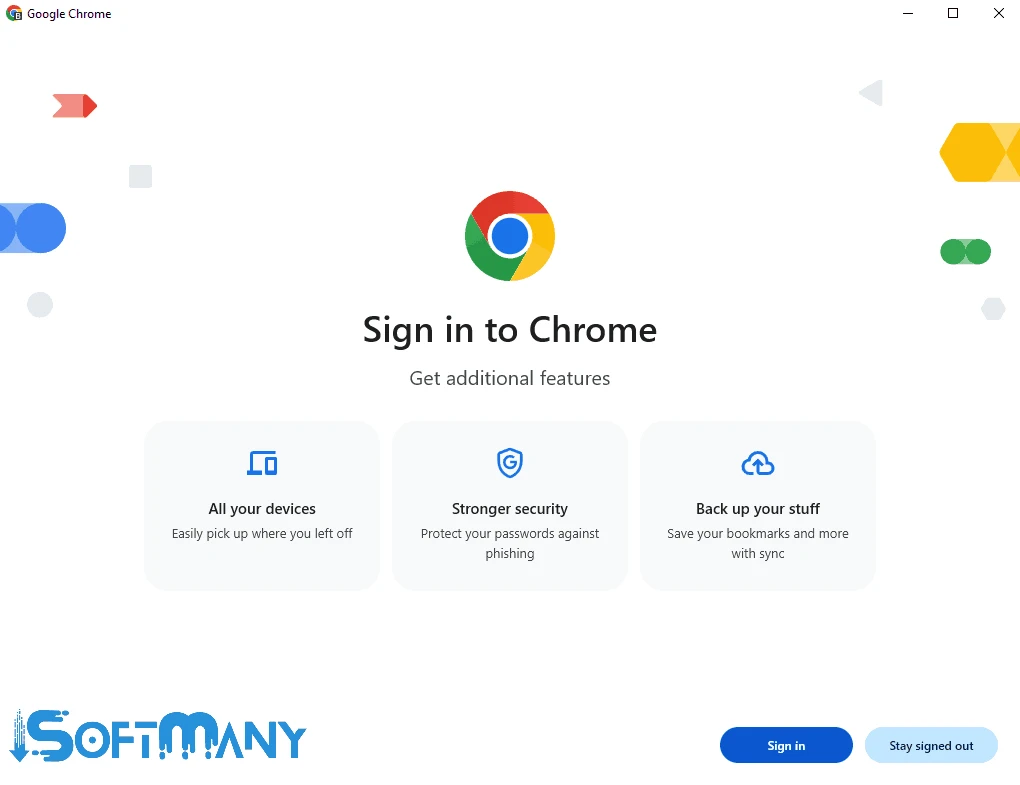
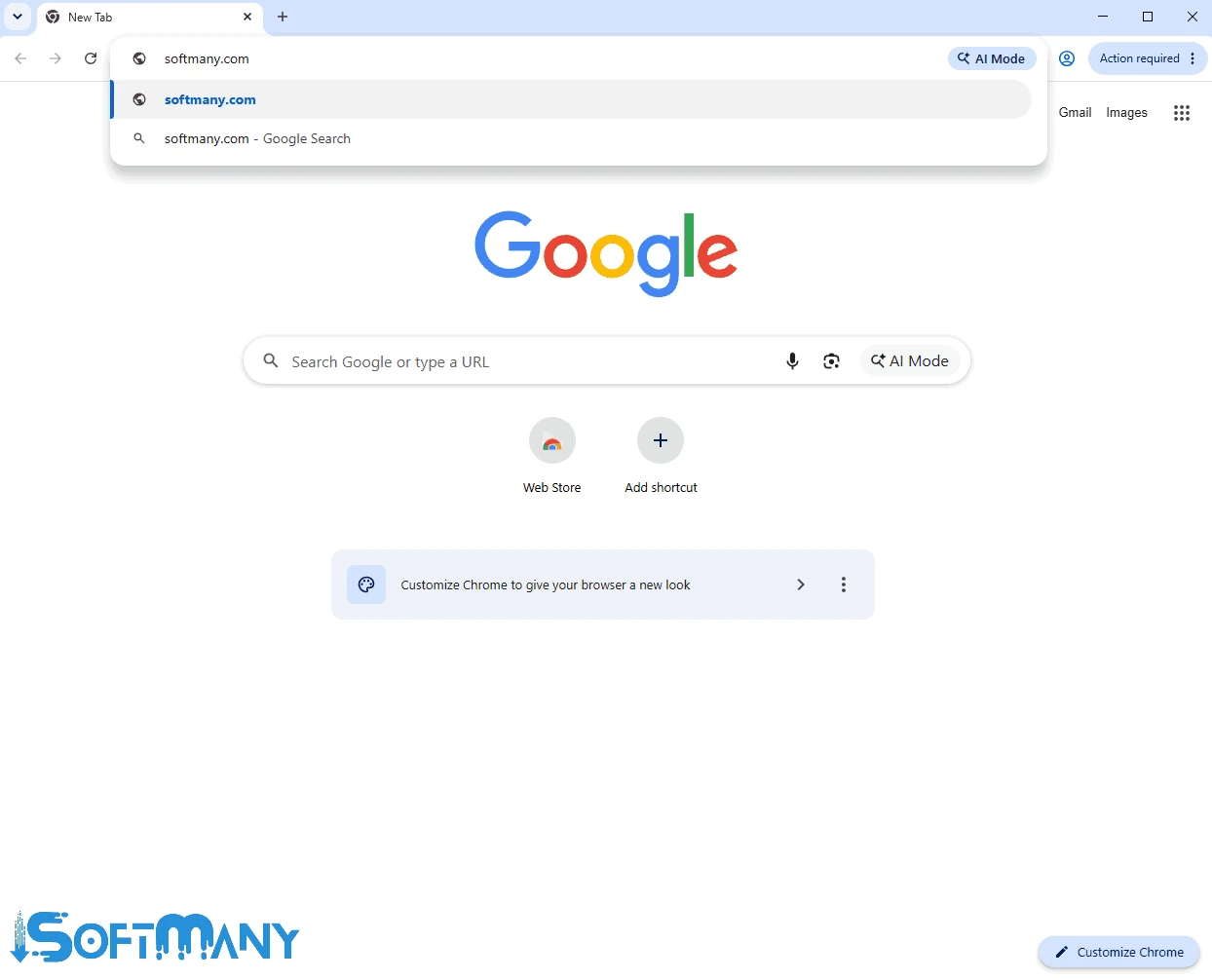


Google Chrome Beta is one of four versions of regular Google Updates, including Stable, Beta, Dev, and Chrome Canary. It is closer to the stable version, offering a preview for Google Chrome, and enables users to test upcoming features before they become part of the stable version. It is available for free to download on any Windows operating system.
The app offers real excitement for developers, testers, and tech-savvy users, enabling them to explore new ideas in web browsing. As it is closer to the stable version, there isn’t any risk of serious bugs while using it; however, occasional bugs or crashes may occur.
Google Chrome Beta, developed by Google LLC, which falls under the Browsers and Plugins category, is a freeware software providing quick access to upcoming updates and functionalities. It enables the developers and enthusiasts to test the latest features and give their feedback for innovations.
The app provides a relatively stable experience, leveraging modern hardware to enhance memory management and security. One of the best options for verifying site compatibility with future web standards, allowing enthusiasts to meet with new functionalities without waiting for the major stable update to roll out.
You can make your browsing experience comprehensive with the support of encryption protocols and privacy settings. It makes your data secure, even with the software that is technically still under development offered by the Google team. In this way, you can access functionality available in the refinement phase and contribute to the browser’s development.
The app enables you to explore a lot of new features, bridging between the experimental Dev channel and the polished Stable release. It allows you to discover new functionalities, including updated CSS properties or experimental JavaScript APIs. It helps to keep your workflow uninterrupted, handling complex multimedia, high-resolution PDFs, and heavy web applications.
You will find the interface quite similar to the standard Chrome release, including clean Material Design and intuitive Omnibox, regardless of whether you are using it for searching or navigation. Use your Google account to sign in and sync your bookmarks, payment methods, and password across devices effortlessly. It reliably manages your specific productivity or entertainment needs, supporting an extensive library of Chrome Web Store extensions to offer a personalized browsing experience.
The main purpose of the app is to enhance the speed, stability, and performance of your browser. It means you will be capable of enjoying a smooth and efficient browsing experience, as the Google developers remain busy experimenting with new rendering techniques, resource management, and optimizations, manifesting in the beta channel.
It enables users to reliably contribute to the browser’s development, participating in bug testing and providing feedback. The app enables users to keep their browser stable while minimizing serious bugs after testing new functionalities. In case of encountering bugs, you can submit feedback to enable the developers to fix previously unnoticed bugs before they become part of the stable version.
Beta version is part of a four-tier update system offered by Google, as it offers new features for testers and enthusiasts to test, and in case of discovering bugs, offer feedback to mention weak points, or anything else. The versions are updated after four weeks, offering a testing ground for future enhancements.
You will find the latest security features and patches to use the browser more securely and confidently. The stable version already has protection against vulnerable pages. But within the Beta version, there have been more improvements, as now the browser is capable of blocking a great number of unwanted redirect attempts. The app offers a notification in case of happening some vulnerable activity occurs, enabling you to proceed to a new page.
You are capable of installing four versions: Stable, Beta, Dev, and Canary, and running them simultaneously while logging in with the same Google account. It helps to compare functionalities, install different extensions, and sync multiple accounts to access them quickly. You can manage bookmarks and advanced customization options before they become part of the regular Chrome channel.
Pros
Cons

Safe, fast, and reliable browsing with Google Chrome

Opera offers the best browsing functionalities including built-in VPN, ad-blocker, and Turbo mode.

Fast Browsing with offering Cutting-edge Security and Speed.

UC Browser for PC, the leading mobile browser now available for PCs

Cent Browser is a Chromium-based browser with seamless browsing online

Firefox can display a large number of pages and extra capabilities that can help you online very fast.